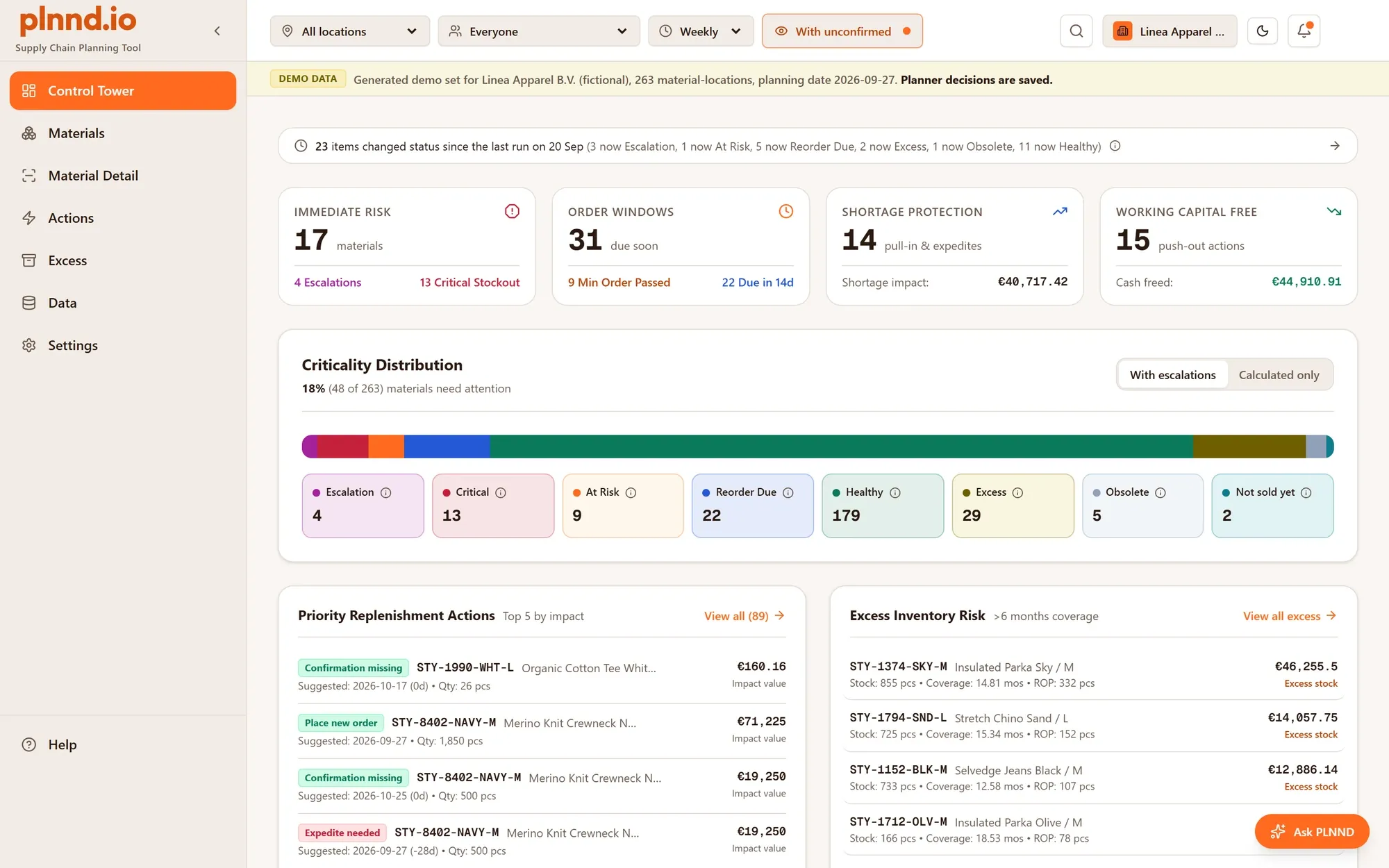
See what needs attention
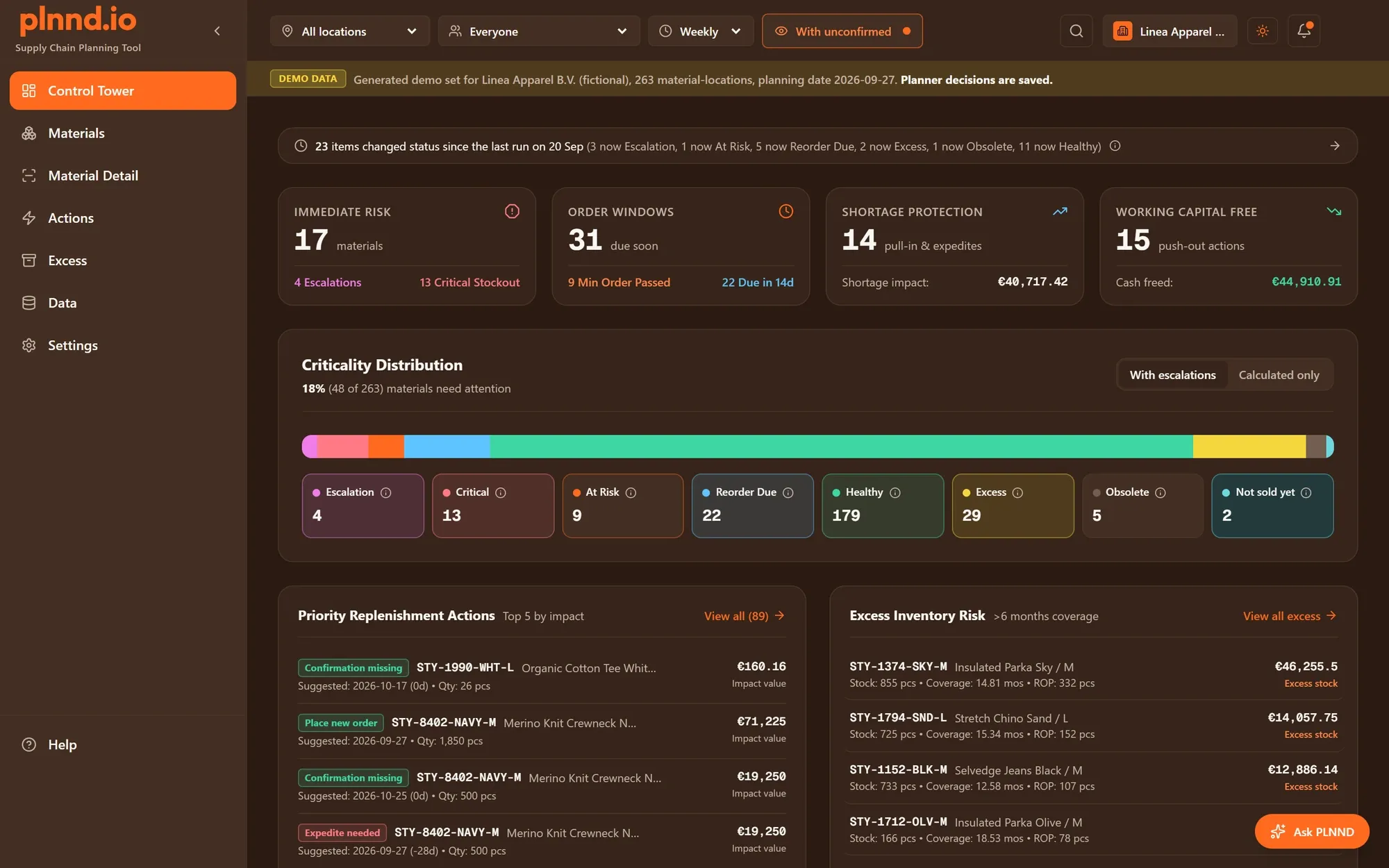
Every material at every location gets one of eight states, from Escalation and Critical to Healthy. The Control Tower shows them by state and location, and every list shows how long an item has been in its state.
plnnd reads your own stock, orders, demand history and lead times. It forecasts every material at every location, shows the date stock runs short, and tells you which materials need action, by when, and why. The planning logic large companies rely on, without the analytics department.
14 days on a sample company like yours. No payment details. It ends on its own.
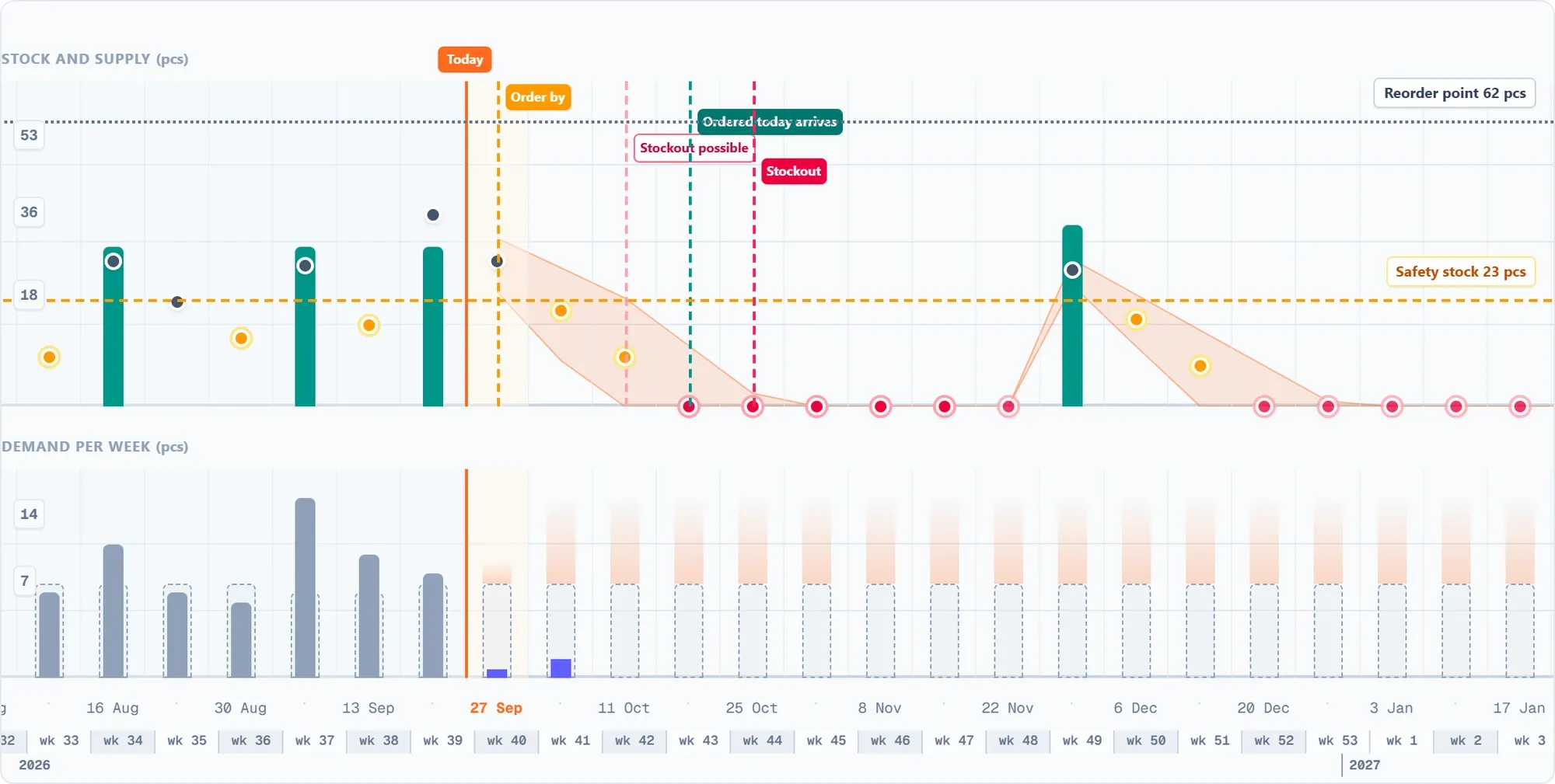
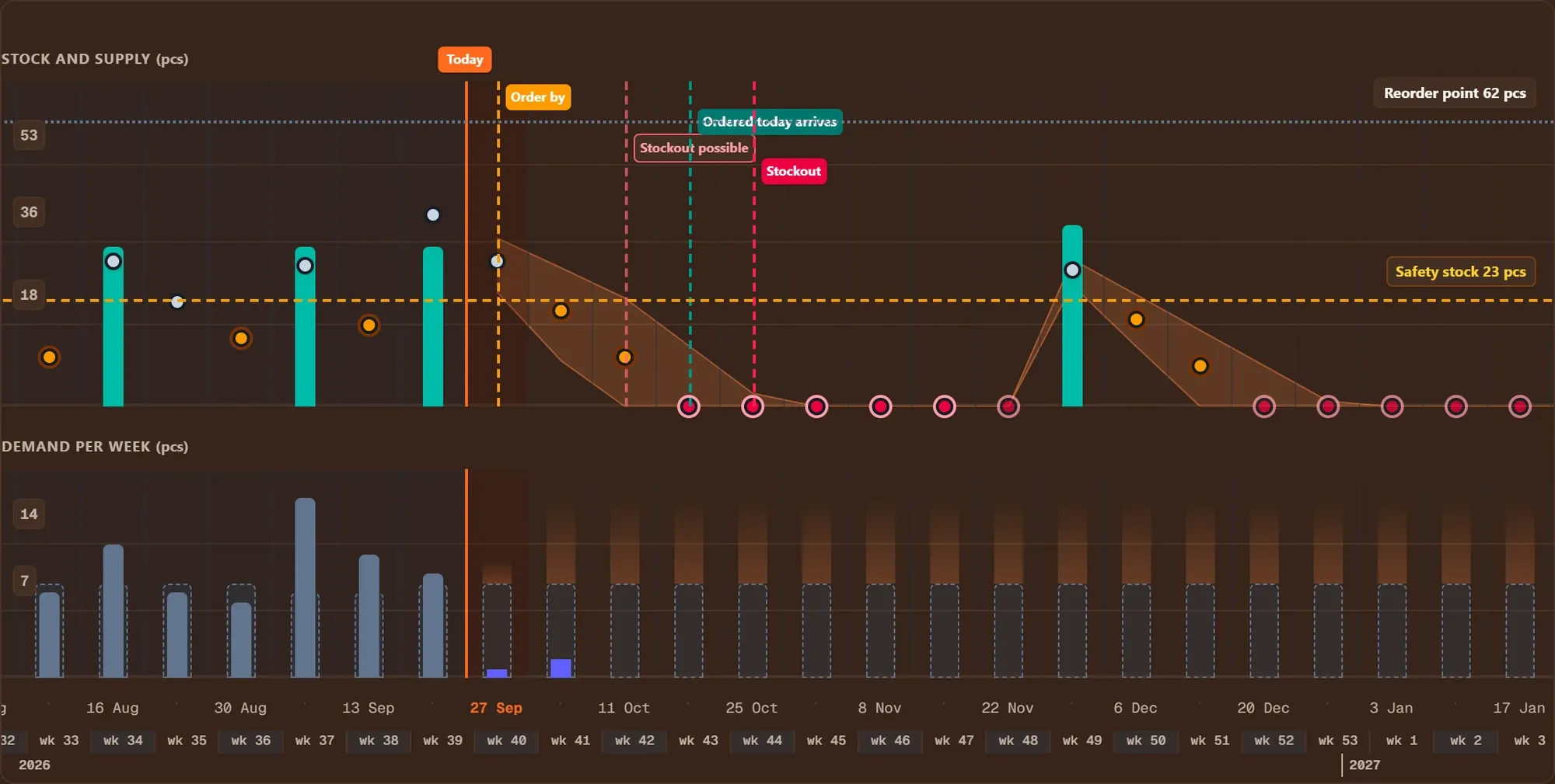
At RiskStock runs out on 26 Oct 2026, 34 days before the open order arrives on 29 Nov. plnnd suggests pulling that order in to 9 Oct.
At app.plnnd.io. You sign up there, and you log in there afterwards with the password from your e-mail. Bookmark it.
Log inThe planning engine computes every number from your own data. The screenshots below are the real app, on its fictional sample companies.
Every material at every location gets one of eight states, from Escalation and Critical to Healthy. The Control Tower shows them by state and location, and every list shows how long an item has been in its state.
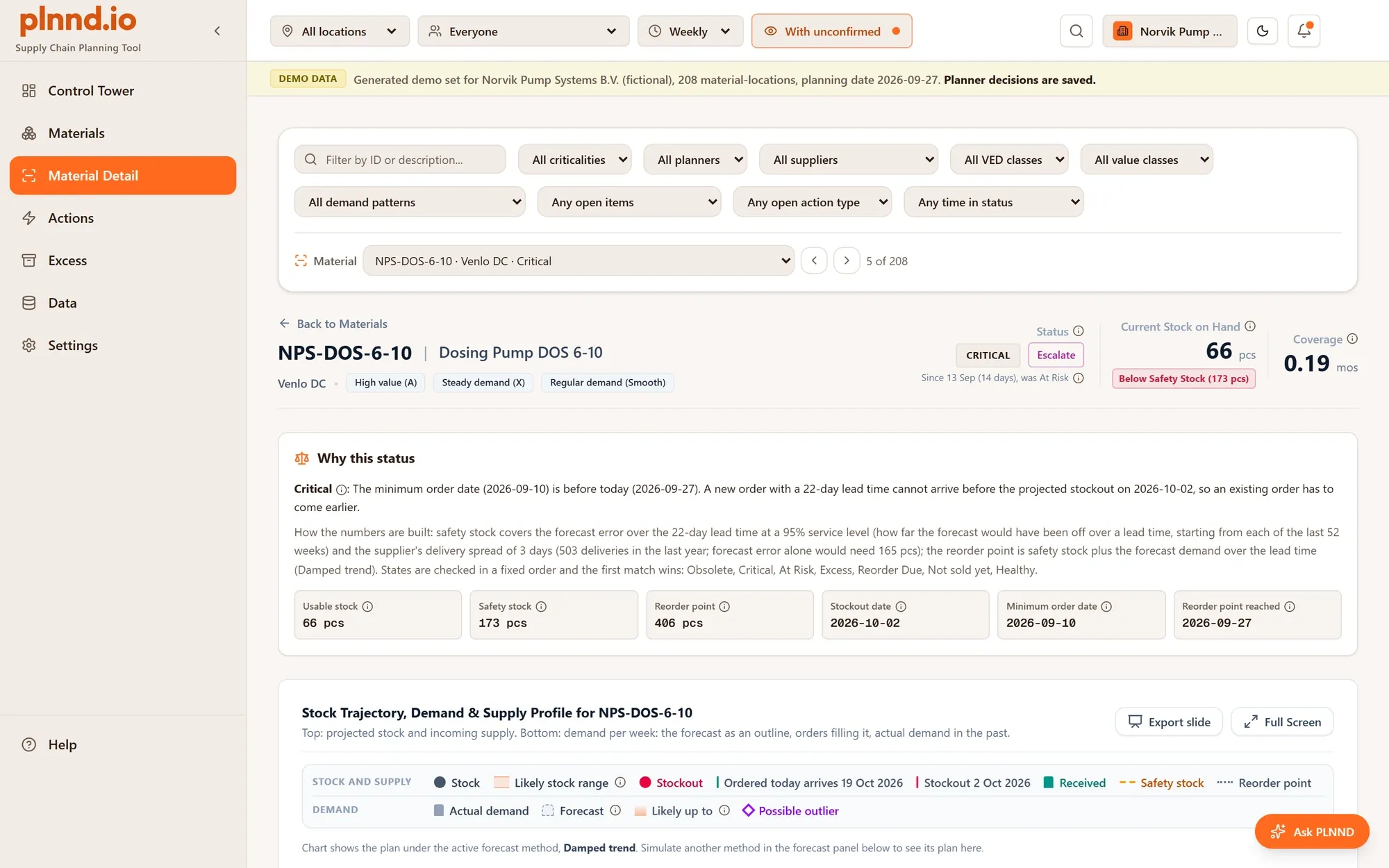
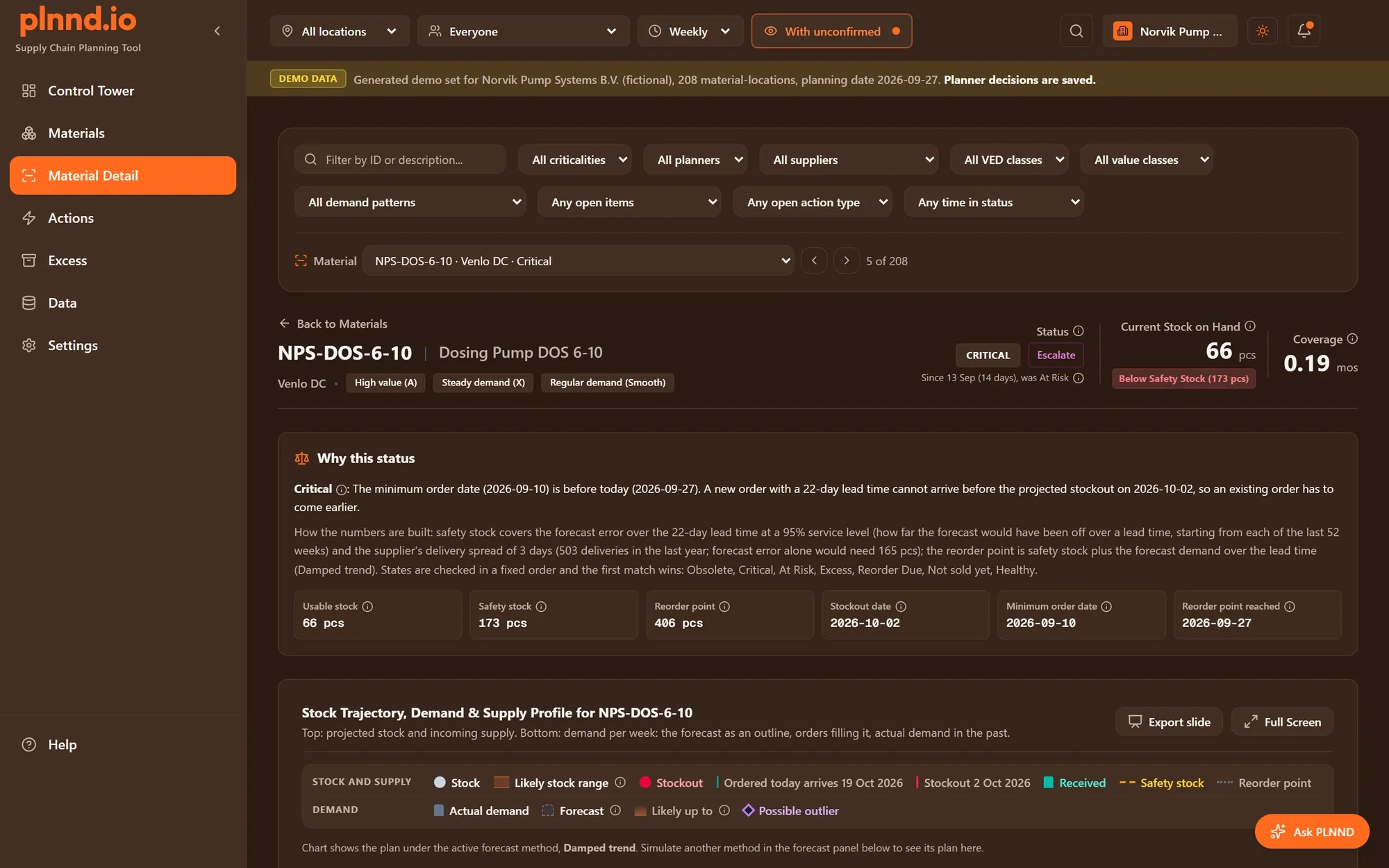
Open a material to see its history and plan at one location, and why it has its state, in plain words with the numbers behind it: stock, safety stock, reorder point and the date to order by.
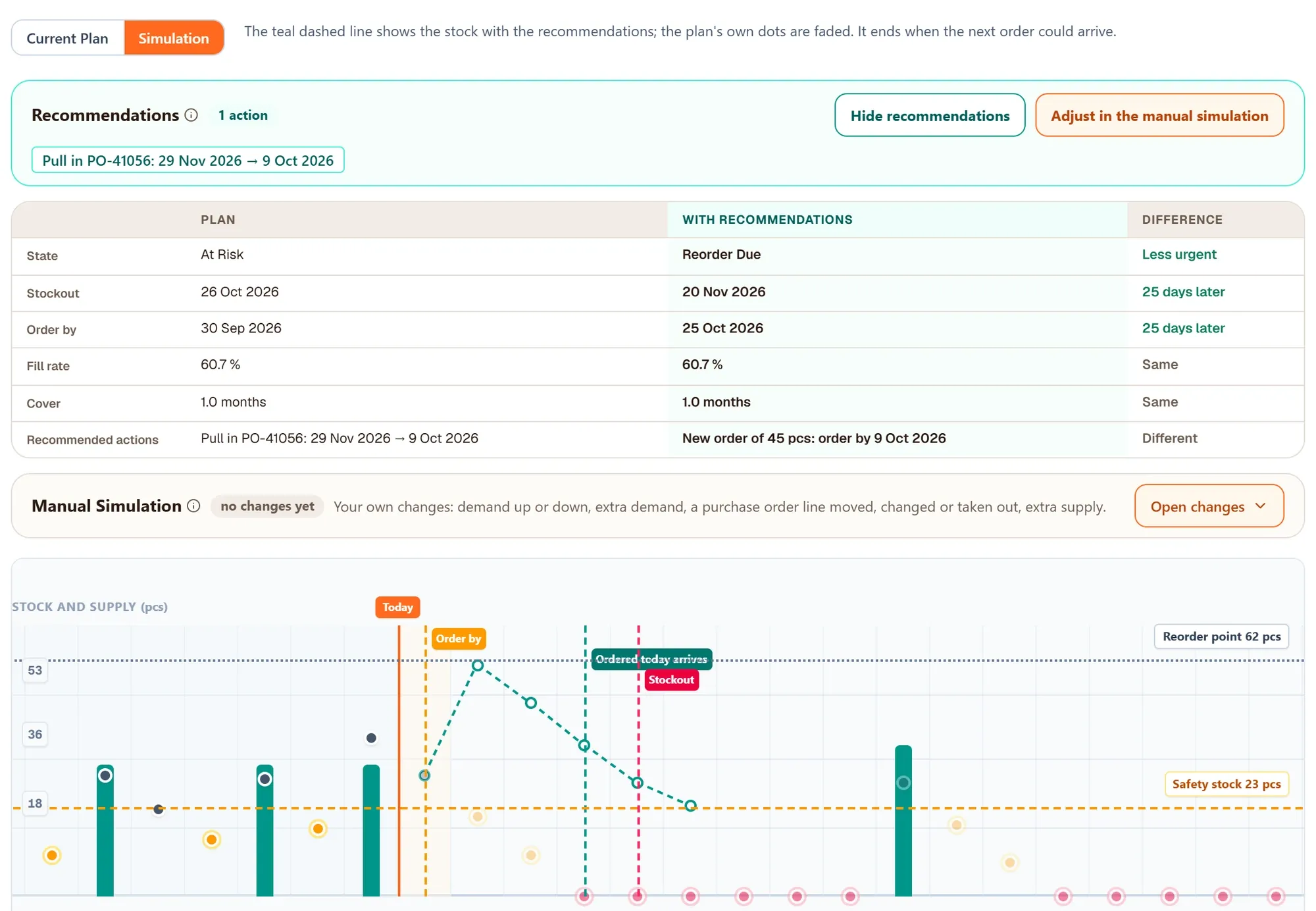
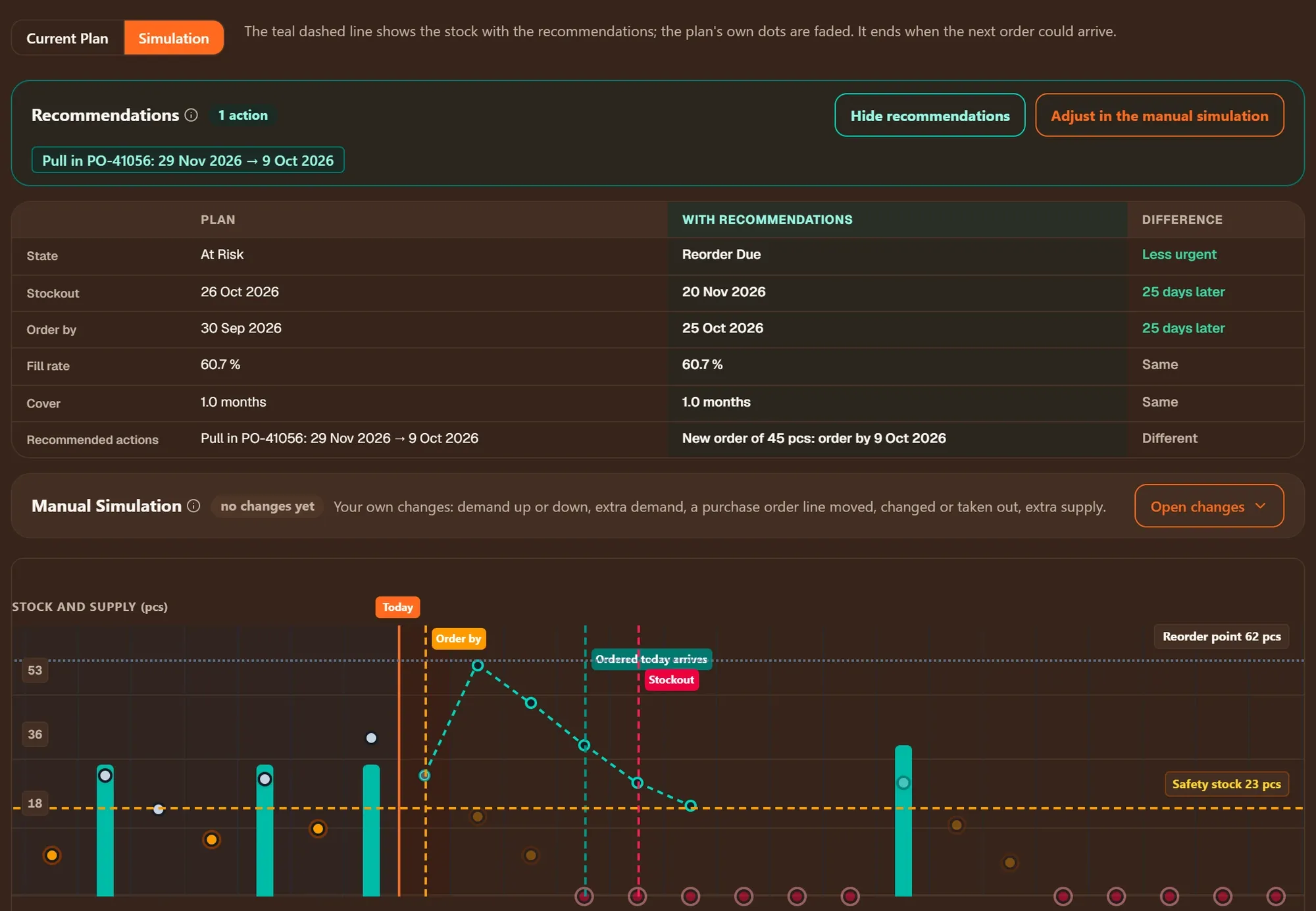
Simulation shows what the recommended actions would do to stock, state and the stockout date, next to the current plan. Or try your own changes: demand up or down, an order moved, extra supply. Nothing is saved: the plan stays as it is.
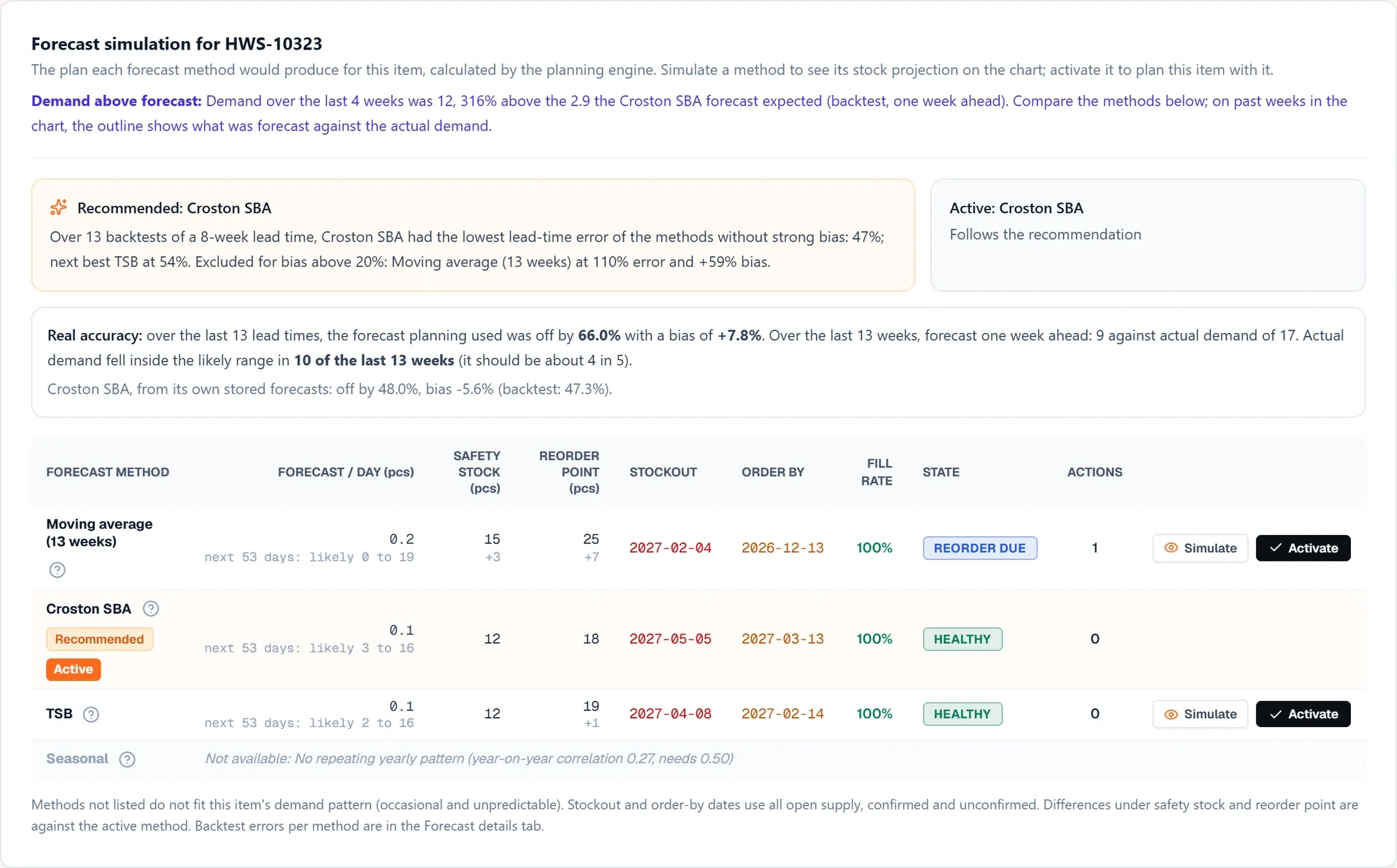
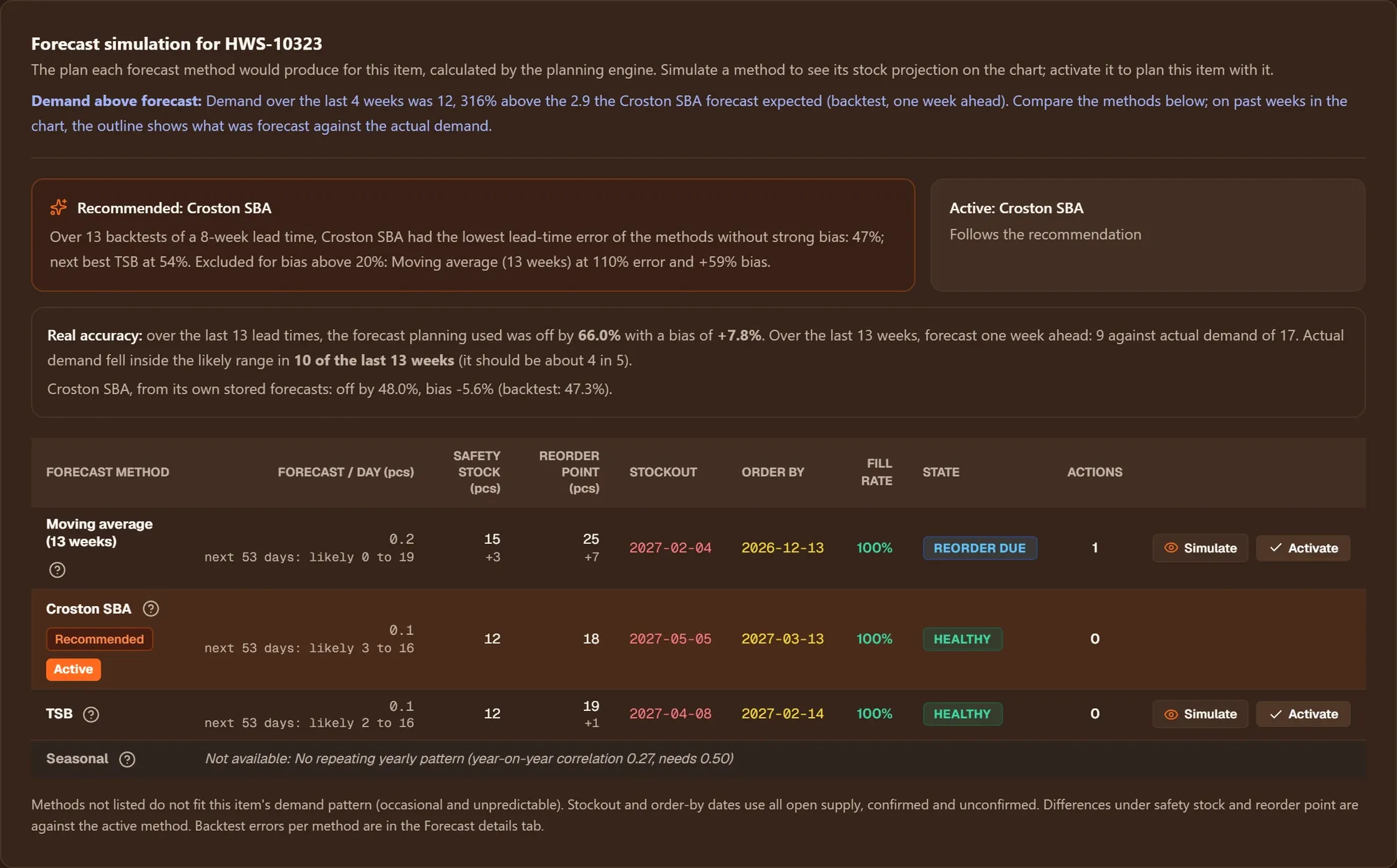
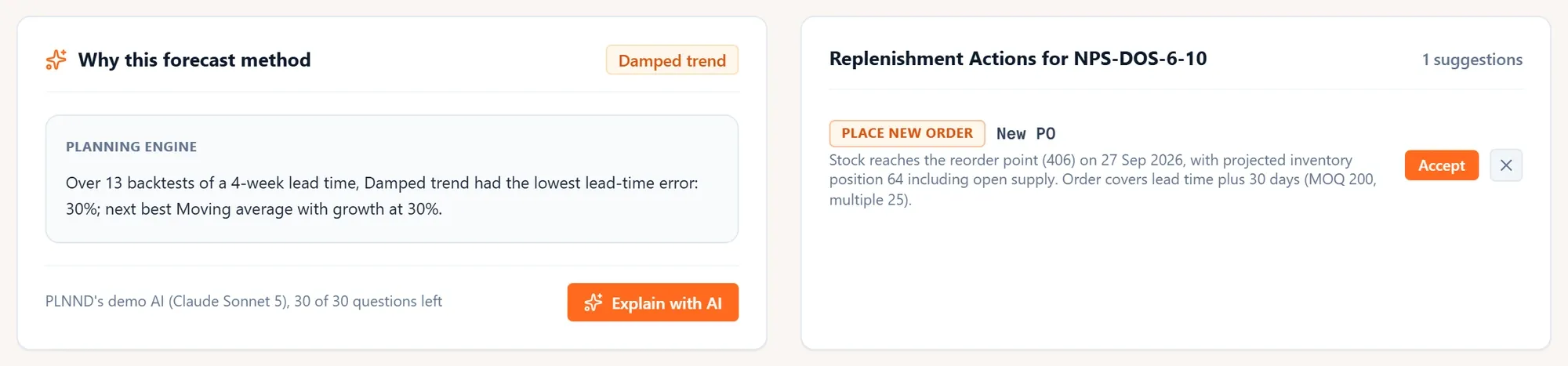
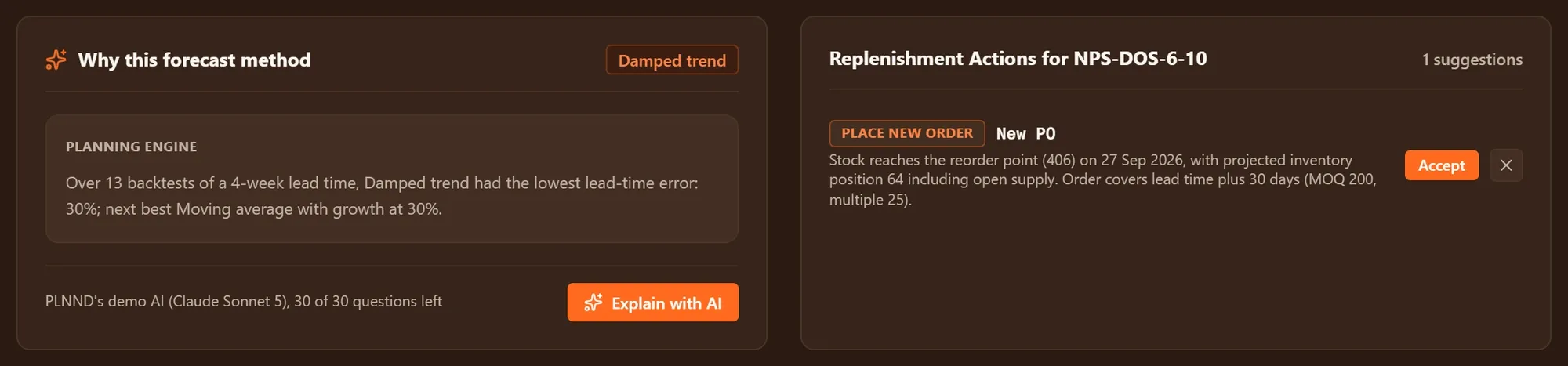
Each eligible method is tested on the item’s own history. plnnd recommends one with the reason in plain words and shows what every method would do to safety stock, orders and the item’s state.
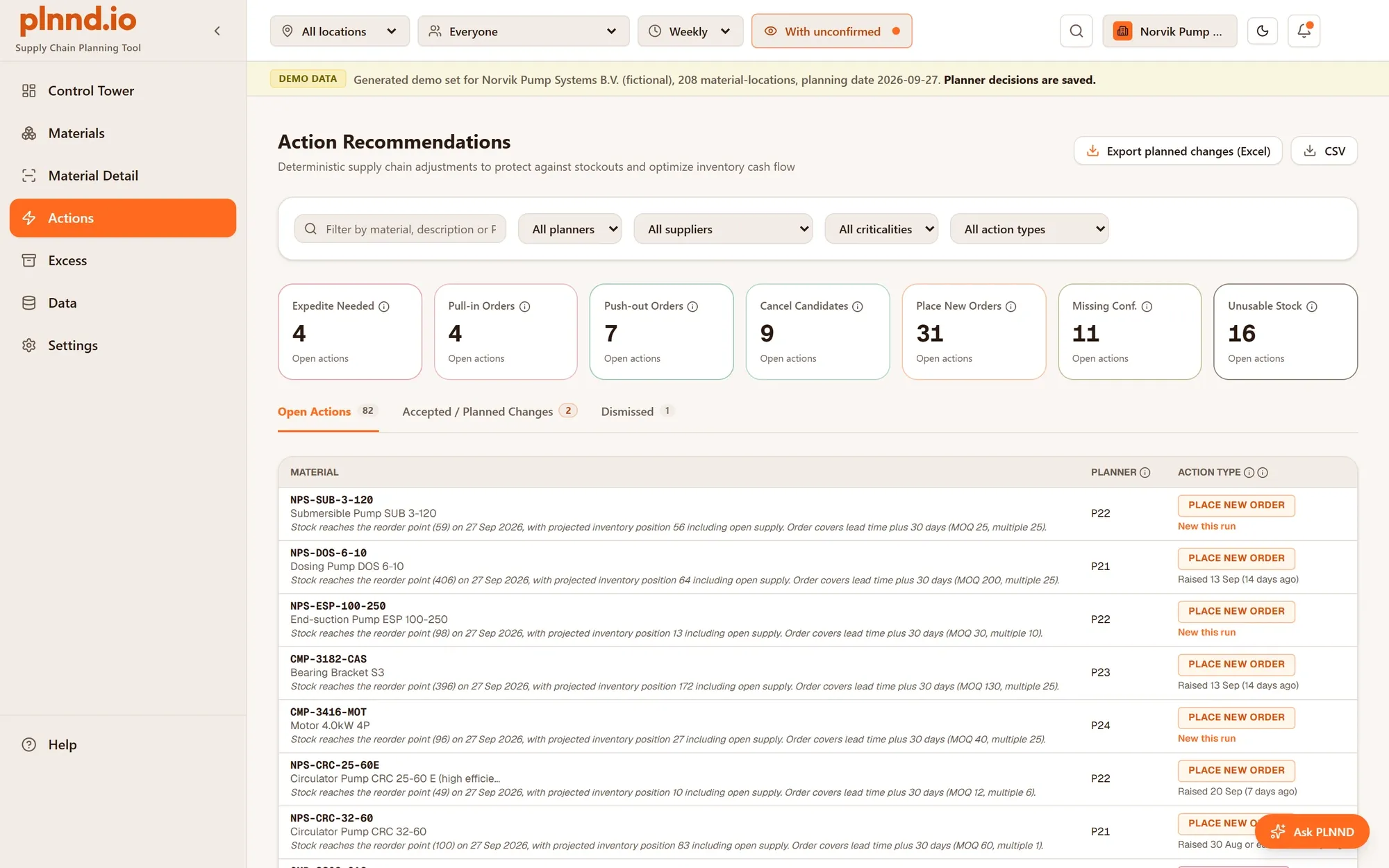
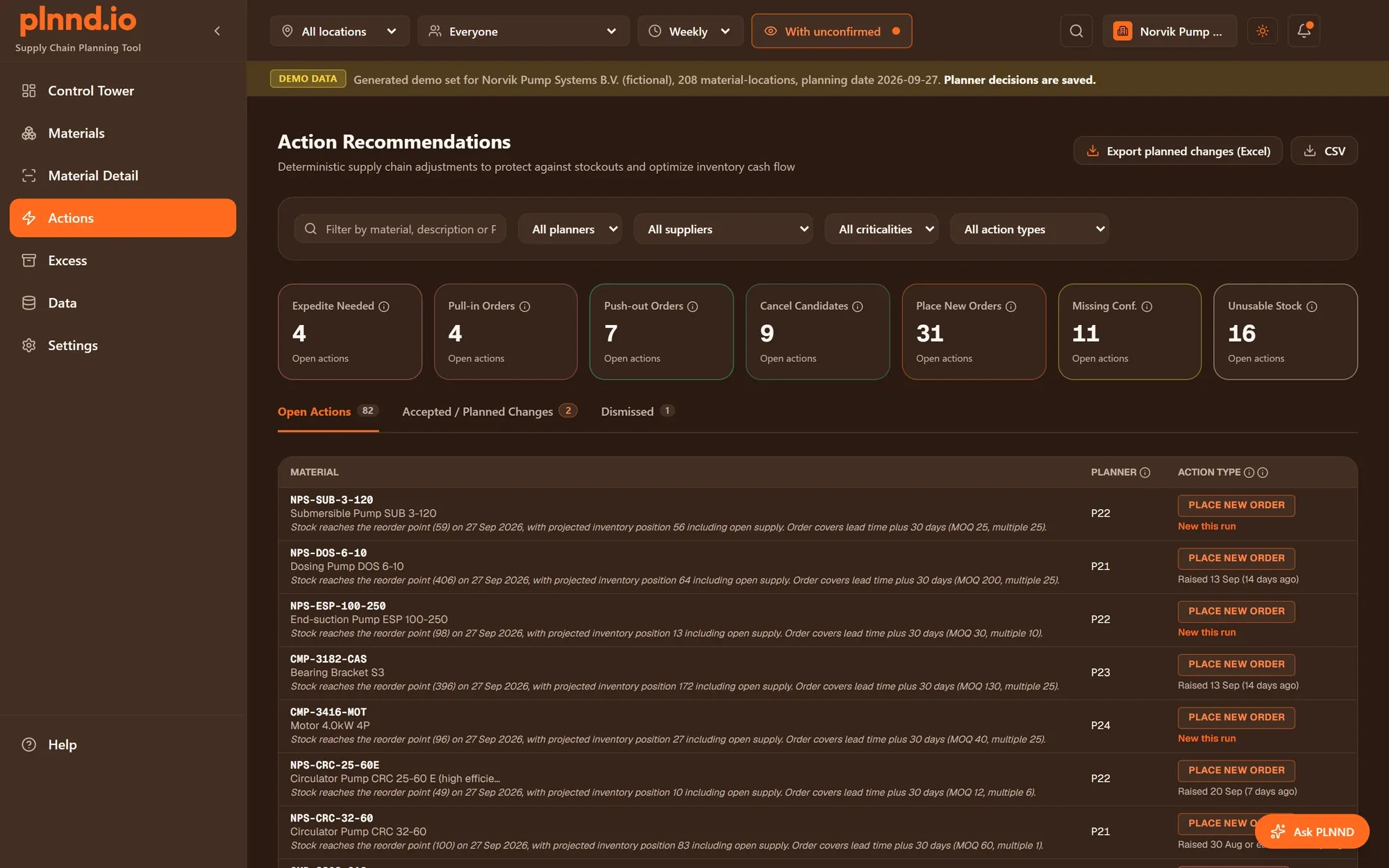
Seven action types, from Expedite needed to Place new order, each with its reason and, where it applies, the date. Accept or dismiss them, filter by planner or supplier, and export to Excel or CSV.
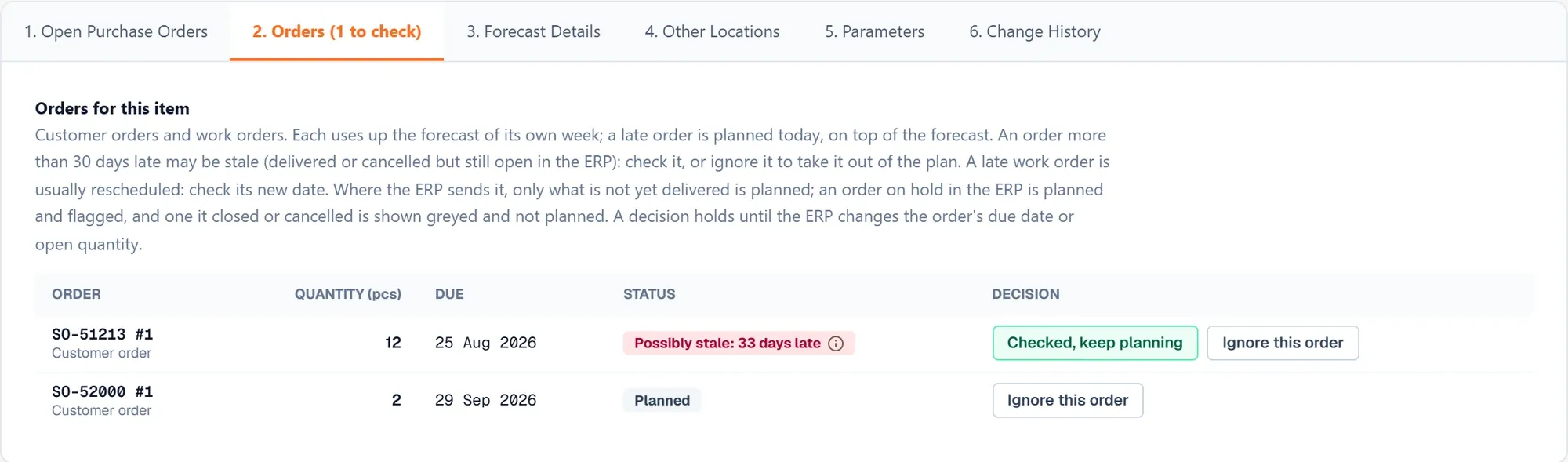
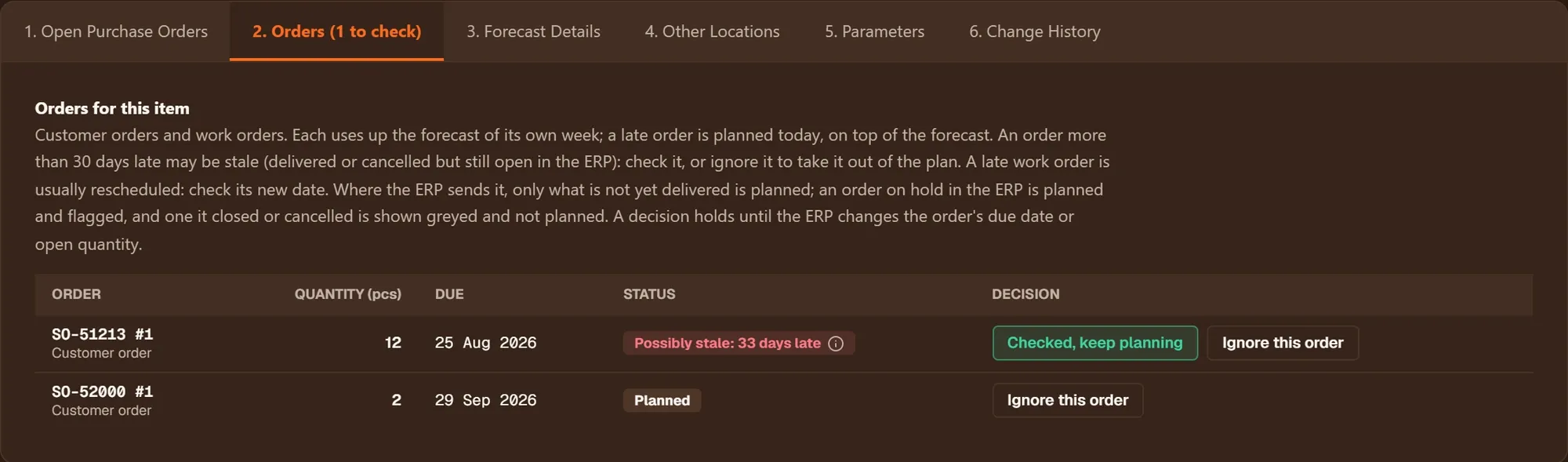
Every item lists its customer orders and work orders with how late they are. An order long past its date may be stale: keep planning it, or take it out of the plan with a reason until your ERP changes it.
Every number in plnnd comes from the planning engine. An AI model puts the engine's reasoning into plain words and answers your questions in a chat on every screen. In the free demo that works straight away: plnnd's own AI (Claude Sonnet 5) is included, with 30 questions per demo.
Example · Norvik Pump Systems sample data
At Risk and Reorder Due flag items before stock runs out, with the date to order by. Critical tells you when that date has already passed.
Stop rebuilding the spreadsheet every week. Open Actions, filter on your own materials or one supplier, and accept or dismiss what plnnd suggests.
Every forecast comes from your own history and shows its range. For management, one material exports as an editable one-slide PowerPoint.
Excess shows stock beyond what the plan needs, and Push out and Cancel candidate show orders that can wait or go.
No payment details, nothing to install, nothing to cancel. You only give an e-mail address.
Open app.plnnd.io and choose "Try PLNND free for 14 days", or go straight to app.plnnd.io/signup.
Pick the one closest to yours. They are fictional companies with realistic data, and your choice stays for the whole demo.
Agree to the privacy notice. A short check runs in your browser; no third party is involved.
It arrives within a few minutes. It can land in your spam folder.
With that e-mail address and password. Bookmark it: that is where the app lives.
What you change is only yours, and Settings > Company > Start over brings the original back. AI explanations and the chat work straight away, with 30 questions included. You can also connect your own AI key in Settings > AI provider.
A reminder comes 2 days before. On day 30 your account, your copy, your AI settings and your e-mail address are deleted.
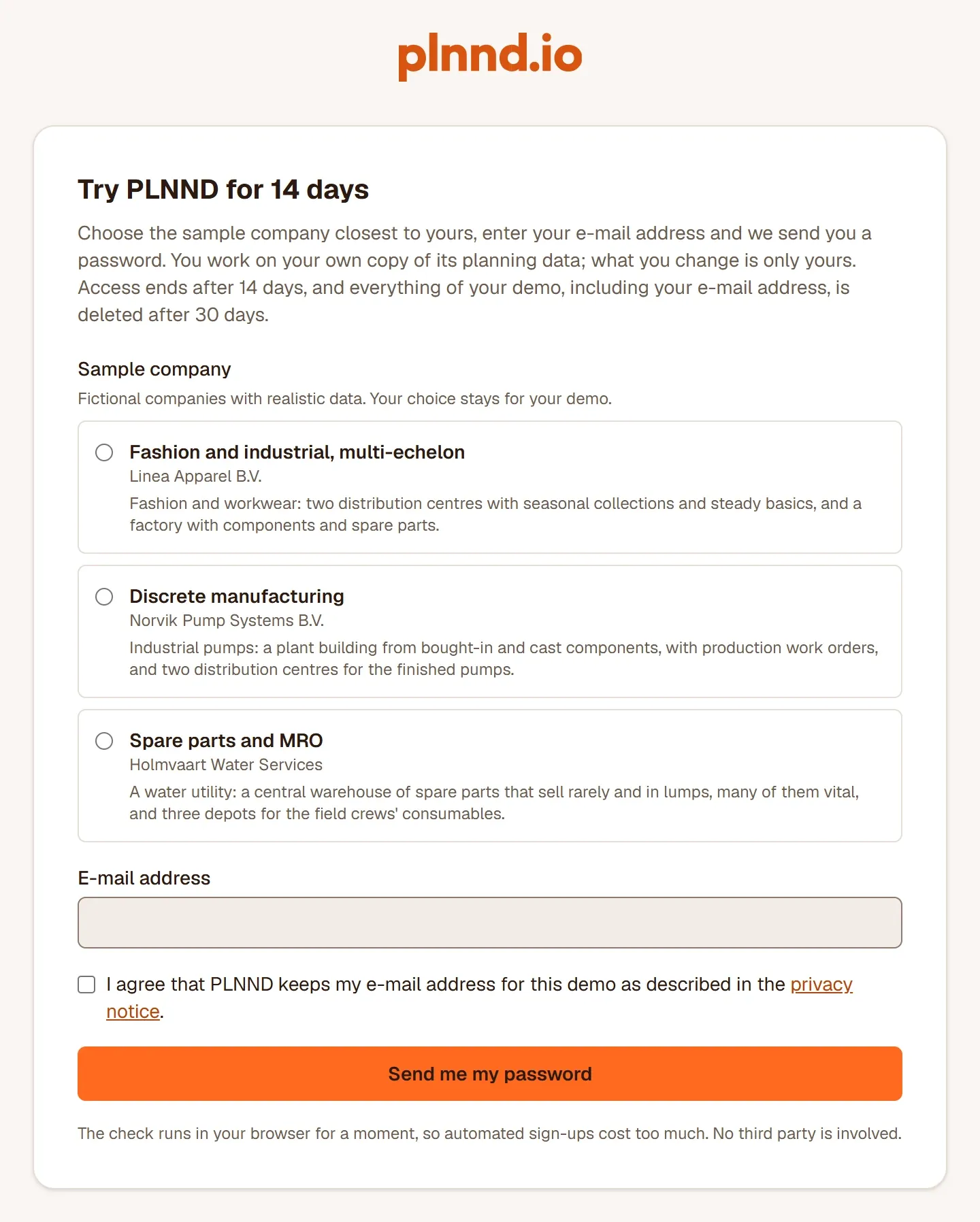
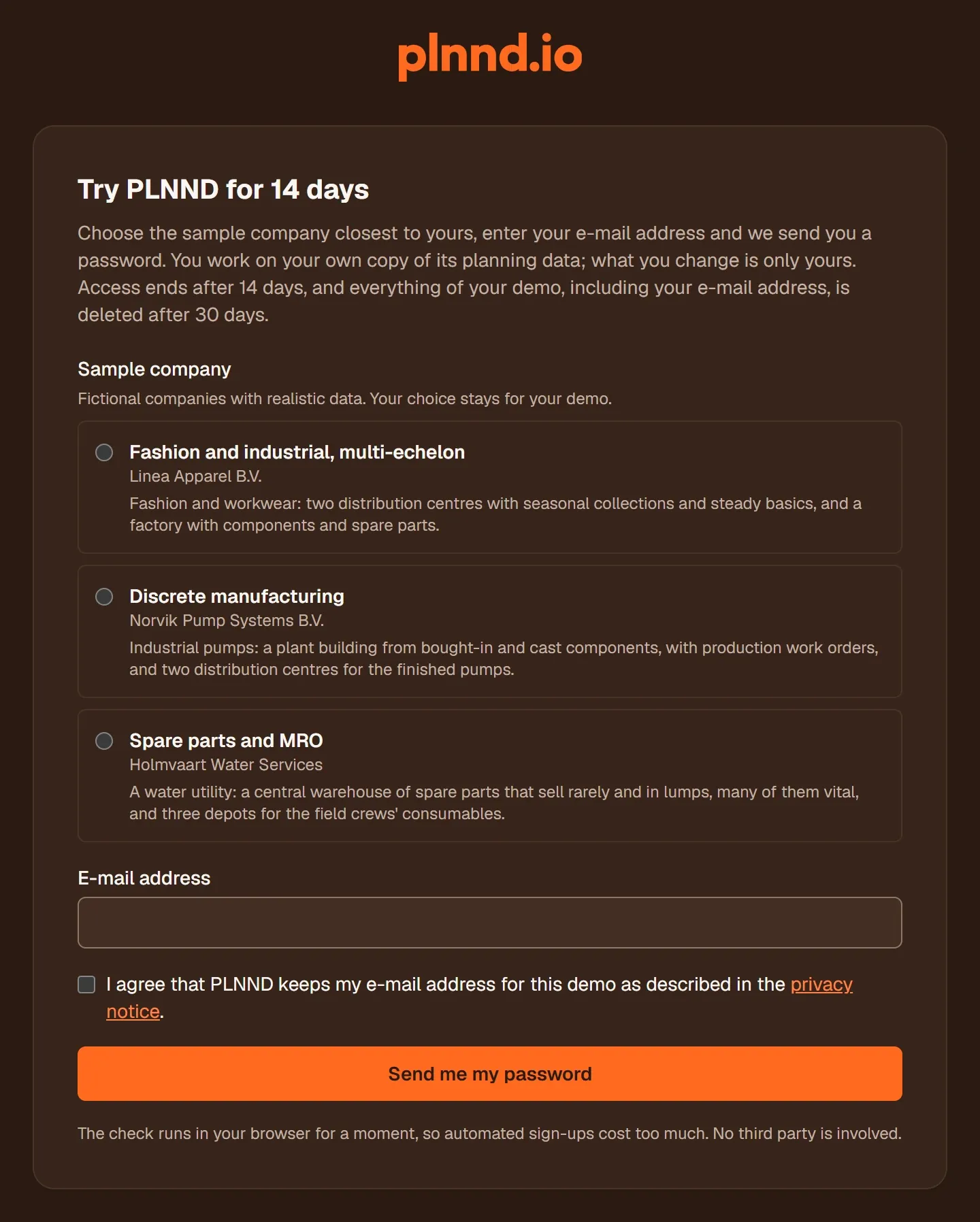
Fashion and workwear: two distribution centres with seasonal collections and steady basics, and a factory with components and spare parts.
The company in depth →Industrial pumps: a plant building from bought-in and cast components, with production work orders, and two distribution centres for the finished pumps.
The company in depth →A water utility: a central warehouse of spare parts that sell rarely and in lumps, many of them vital, and three depots for the field crews' consumables.
The company in depth →Good to know: at most 25 new demo accounts start each day. If the sign-up says today's places are taken, try again tomorrow. The sample companies plan as of 27 September 2026, so dates in the app count from that day.
Ask about your data, your systems or a pilot on your own data.